

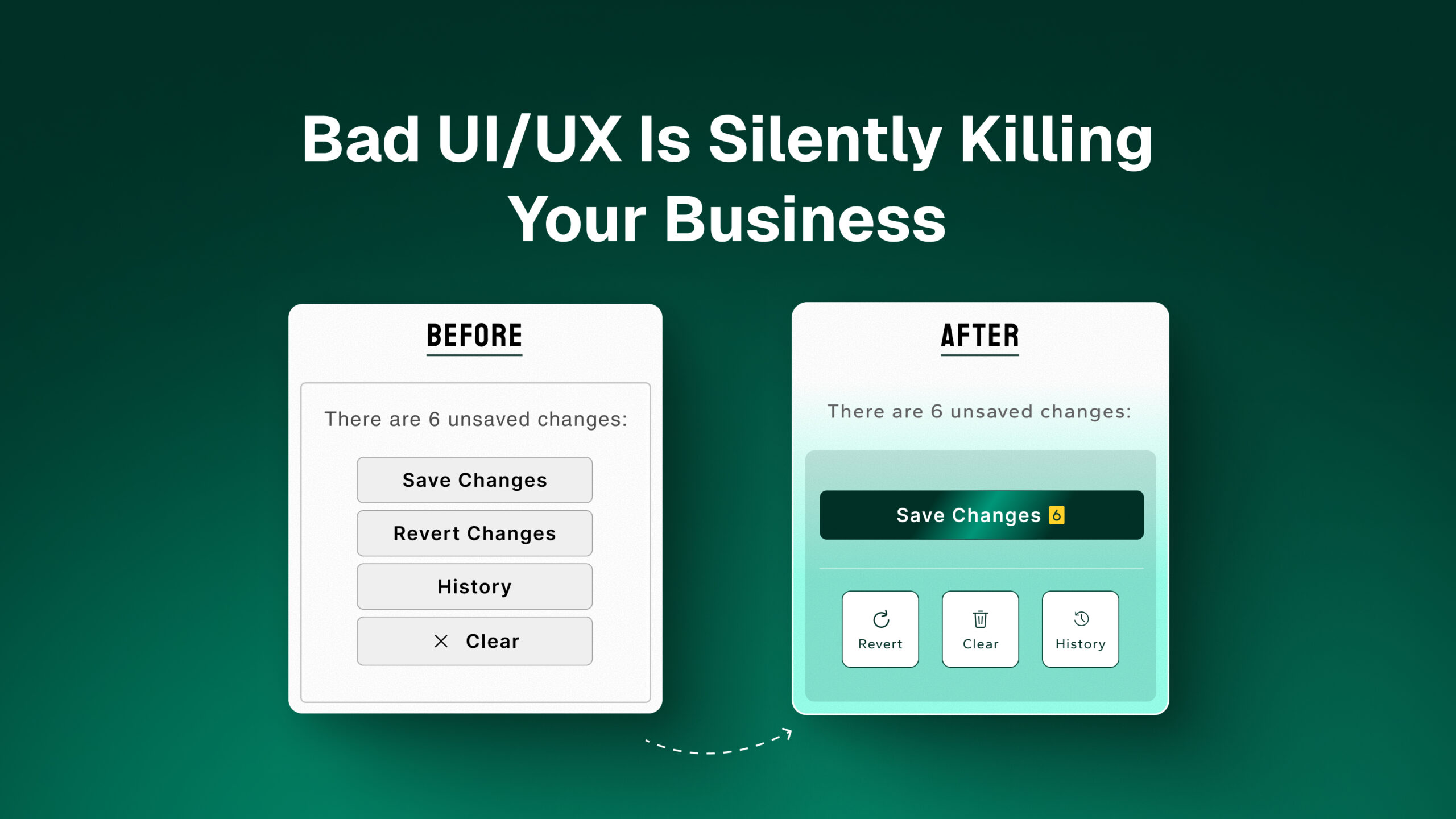
Meta Description: Poor UI/UX design quietly drains revenue, trust, and customers. Learn the warning signs of bad UX and how to fix them before they cost you more.
Most business owners notice when sales drop, when ads stop converting, or when customer complaints increase. What they often don’t notice is the root cause sitting in plain sight: a website or app that’s frustrating to use. Bad UI/UX doesn’t announce itself loudly. It works quietly, one abandoned cart, one closed tab, one lost customer at a time.
At Eleorex, we regularly audit businesses that are spending heavily on marketing while their website actively pushes visitors away. Here’s how to recognize the problem and fix it.
The Hidden Cost of Bad UX
Every confusing menu, slow-loading page, or unclear button costs you money in ways that rarely show up in a single report. Visitors leave without ever contacting you, and you never even know they were interested. Customers abandon carts because checkout felt complicated or untrustworthy, while support teams get flooded with questions that good design would have answered on its own. Returning customers quietly stop coming back simply because the experience felt clunky the last time.
These losses are invisible in your analytics unless you know exactly what to look for, which is why bad UX is often described as a “silent” killer.
Warning Sign 1: High Bounce Rates on Key Pages
If visitors are landing on your homepage, product pages, or service pages and leaving within seconds, the design or messaging isn’t connecting. This often comes down to an unclear value proposition above the fold, a cluttered layout with too many competing calls to action, or slow load times that cause visitors to leave before the page even finishes rendering.
Warning Sign 2: Confusing Navigation
If users can’t find what they’re looking for within a few clicks, they assume it doesn’t exist, even if it does. This usually shows up as menu items that don’t match how customers actually think about your offerings, important pages buried several layers deep, or navigation that behaves inconsistently between desktop and mobile.
Warning Sign 3: Forms That Frustrate Users
Contact forms, signup forms, and checkout forms are where intent turns into action, or where it dies. The most common problems are forms that ask for too many fields, error messages that don’t clearly explain what went wrong, multi-step forms with no indication of progress, and forms that simply don’t work properly on mobile devices.
Warning Sign 4: Inconsistent Design Language
When buttons look different across pages, fonts vary, or colors clash, users subconsciously perceive your business as less trustworthy and less professional, even if they can’t articulate why.
Warning Sign 5: Mobile Experience Is an Afterthought
In 2026, the majority of traffic for most businesses comes from mobile devices. If your site was designed for desktop and “adapted” for mobile, users will notice almost immediately through text that’s too small to read comfortably, buttons that are difficult to tap accurately, content that requires horizontal scrolling or gets cut off the screen, and slow performance on mobile networks. Eleorex’s mobile and web design services are built to address exactly these gaps.
How to Fix Bad UI/UX: A Practical Approach
1. Run a UX audit.
Before changing anything, understand where users are struggling. Tools like heatmaps, session recordings, and analytics funnels reveal exactly where people drop off and why. Eleorex’s UX audit service is built around this exact process.
2. Simplify Before You Beautify
Good design isn’t about adding more visual elements; it’s about removing friction. Often, the biggest improvements come from removing unnecessary steps, fields, or distractions rather than adding new features.
3. Design for Mobile First
Start your design process with the mobile experience, then scale up to desktop. This ensures the most common use case is the priority, not an afterthought.
4. Test With Real Users
Internal teams often can’t see problems that are obvious to first-time visitors. Even informal testing with a handful of people outside your company can surface major issues quickly.
5. Make One Change at a Time and Measure
When fixing UX issues, change one major element at a time and track the impact. This helps you understand what’s actually driving improvement, rather than guessing.
The Business Case for Good UX
Improving UI/UX isn’t a cosmetic upgrade; it’s a direct investment in conversion rate, customer retention, and brand trust. Businesses that invest in UX consistently see measurable improvements in conversion rates, reduced support costs, and stronger customer loyalty, often without spending a dollar more on advertising.
Final Thoughts
Bad UI/UX rarely causes a dramatic, obvious failure. Instead, it causes a slow, steady leak of opportunities that never get noticed because they never get the chance to become visible. Fixing it isn’t about a complete redesign; it’s about identifying friction points and removing them systematically.
If you suspect your website or app might be quietly costing you customers, Eleorex offers UI/UX audits that identify exactly where and why users are dropping off. Reach out to us to schedule one.
Frequently Asked Questions
How do I know if my website has UX problems? High bounce rates, low conversion rates, frequent customer confusion about basic processes, and poor mobile performance are all strong indicators.
Is fixing UX expensive? Not necessarily. Many high-impact fixes, like simplifying forms or clarifying navigation, require design and development time rather than a full rebuild.
How quickly can UX improvements impact sales? Some changes, like checkout simplification, can show measurable improvements within weeks. Larger structural changes typically take longer to fully reflect in conversion data.