
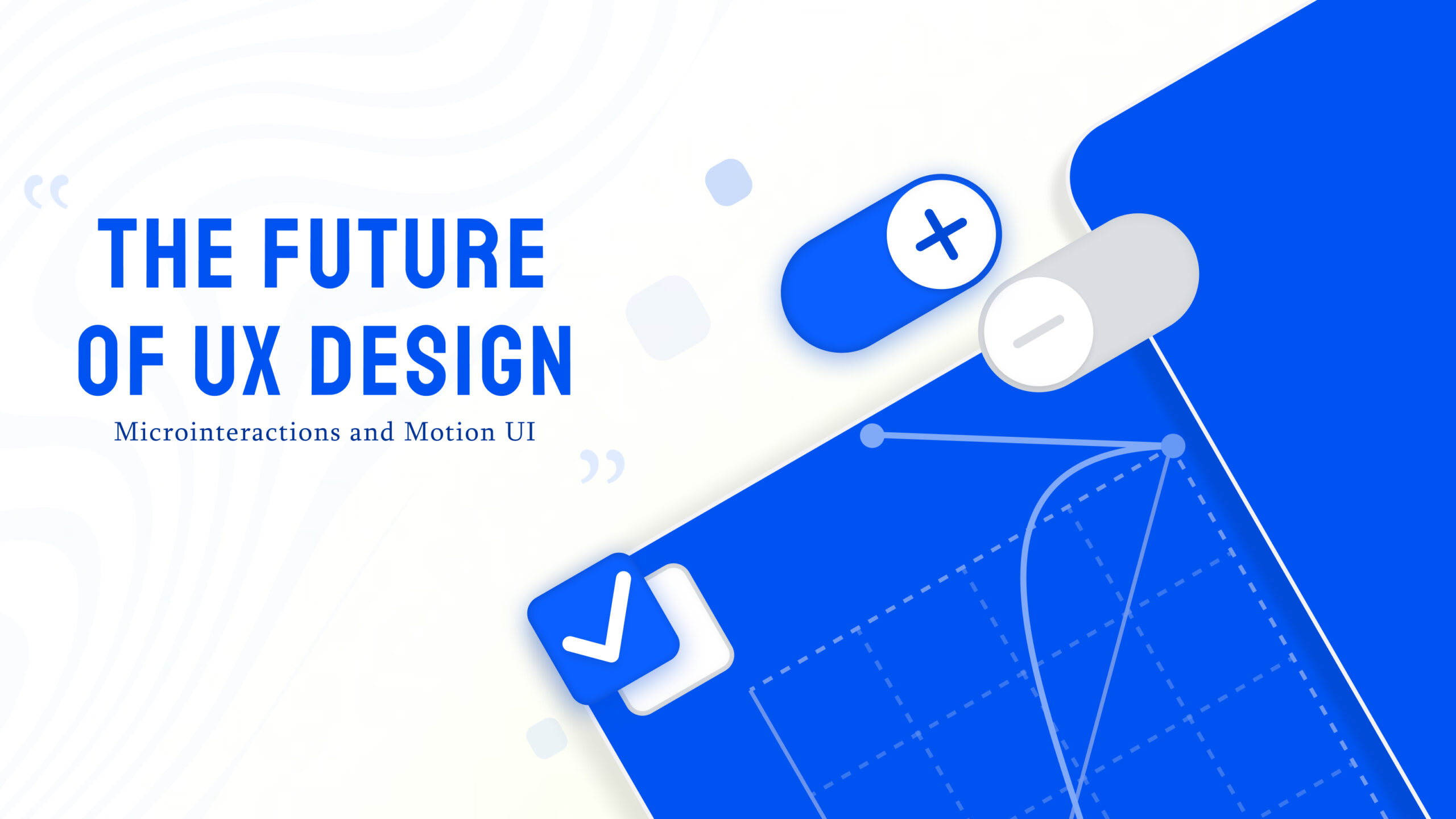
User experience is no longer just about clean layouts and good visuals. Today, it is about how a product feels when someone uses it. Small details like button feedback, smooth transitions, and subtle animations can make a huge difference. This is where microinteractions and Motion UI come into play.
These elements may seem minor, but they shape how users interact with a website or application. When done right, they make interfaces more intuitive, engaging, and memorable.
What Are Microinteractions?
Microinteractions are small, focused interactions that happen when a user performs a specific action. They are designed to provide feedback, guide users, or enhance usability.
For example, when you like a post on social media and see a small animation, or when a button changes color after clicking, that is a microinteraction.
They usually have four parts:
- A trigger (user action or system event)
- Rules (what happens next)
- Feedback (visual or motion response)
- Loops or modes (how the interaction behaves over time)
These small interactions help users understand what is happening and make the experience feel more natural.
What is Motion UI?
Motion UI refers to the use of animations and transitions to create movement within a digital interface. It focuses on how elements appear, disappear, and respond as users navigate through a website or app.
Unlike static design, Motion UI adds life to interfaces. It guides attention, improves flow, and creates a sense of continuity.
For example:
- Smooth page transitions
- Animated menus
- Loading animations
- Hover effects
Motion UI helps users move through a product without confusion, making navigation smoother and more enjoyable.
Why Microinteractions and Motion UI Matter
Modern users expect more than just functionality. They want experiences that feel smooth and responsive.
Better User Feedback
Microinteractions instantly show users that their actions are working. Whether it is submitting a form or clicking a button, feedback builds confidence and reduces confusion.
Improved Usability
Animations can guide users by highlighting important elements and showing what to do next. This makes navigation easier, especially for new users.
Higher Engagement
Subtle animations make interfaces more interactive and enjoyable. Users are more likely to stay longer on a website that feels dynamic.
Stronger Brand Identity
Unique animations and interaction styles can reflect a brand’s personality. This helps create a memorable experience.
Key Types of Microinteractions
Button Interactions
Buttons that change color, size, or shape when clicked provide instant feedback and improve usability.
Form Feedback
Real-time validation messages and animations help users fill forms correctly without frustration.
Notifications
Small alerts or pop-ups inform users about updates, messages, or actions.
Hover Effects
When elements respond to cursor movement, it adds interactivity and clarity.
How Motion UI Enhances User Experience
Motion UI is not just about making things look good. It plays a functional role in improving usability.
Guides User Attention
Animations can direct users to important areas like call-to-action buttons or key information.
Creates Smooth Transitions
Instead of sudden changes, smooth transitions make navigation feel natural.
Reduces Cognitive Load
When users can visually understand what is happening, they do not have to think too much. This makes the experience easier.
Improves Perceived Performance
Even if a process takes time, animations like loading indicators make it feel faster and more controlled.
Best Practices for Using Microinteractions and Motion UI
Keep It Subtle
Animations should enhance the experience, not distract from it. Overuse can make a website feel cluttered.
Focus on Purpose
Every interaction should have a clear function, whether it is guiding users or providing feedback.
Maintain Consistency
Use similar animation styles across the interface to create a unified experience.
Optimize Performance
Heavy animations can slow down a website. Make sure everything is optimized for speed and responsiveness.
Design for All Devices
Ensure animations work smoothly on mobile, tablet, and desktop devices.
- Common Mistakes to Avoid
- Overloading the interface with too many animations
- Using motion without purpose
- Ignoring performance impact
- Creating inconsistent interaction patterns
Avoiding these mistakes ensures that your design remains clean and effective.
The Future of UX with Motion and Interactions
As technology evolves, user expectations continue to rise. Interfaces are becoming more dynamic, and static designs are slowly fading.
Microinteractions and Motion UI are becoming essential parts of modern UX design. They help bridge the gap between users and digital products, making interactions feel more human.
With advancements in design tools and frameworks, it is now easier than ever to implement these features effectively.